How to get verified investor contacts from one search.
Define your investor ICP, hand the agent your deck if you do not have one yet, then tune a search that returns verified, outreach-ready contacts. The filter rules, the test-small habit, tiers, exclusions and scheduling, in one guide.
By Nicolas Keller and Ignacio Prieto · Published 24 July 2026
Most people open an investor search and immediately start typing. That is the mistake. The search is the easy part , knowing exactly who you are looking for is the work. This guide covers both: how to define your investor profile, and how to turn it into verified, outreach-ready contacts: an investor email list where every address has been checked.
First, the problem you are actually solving
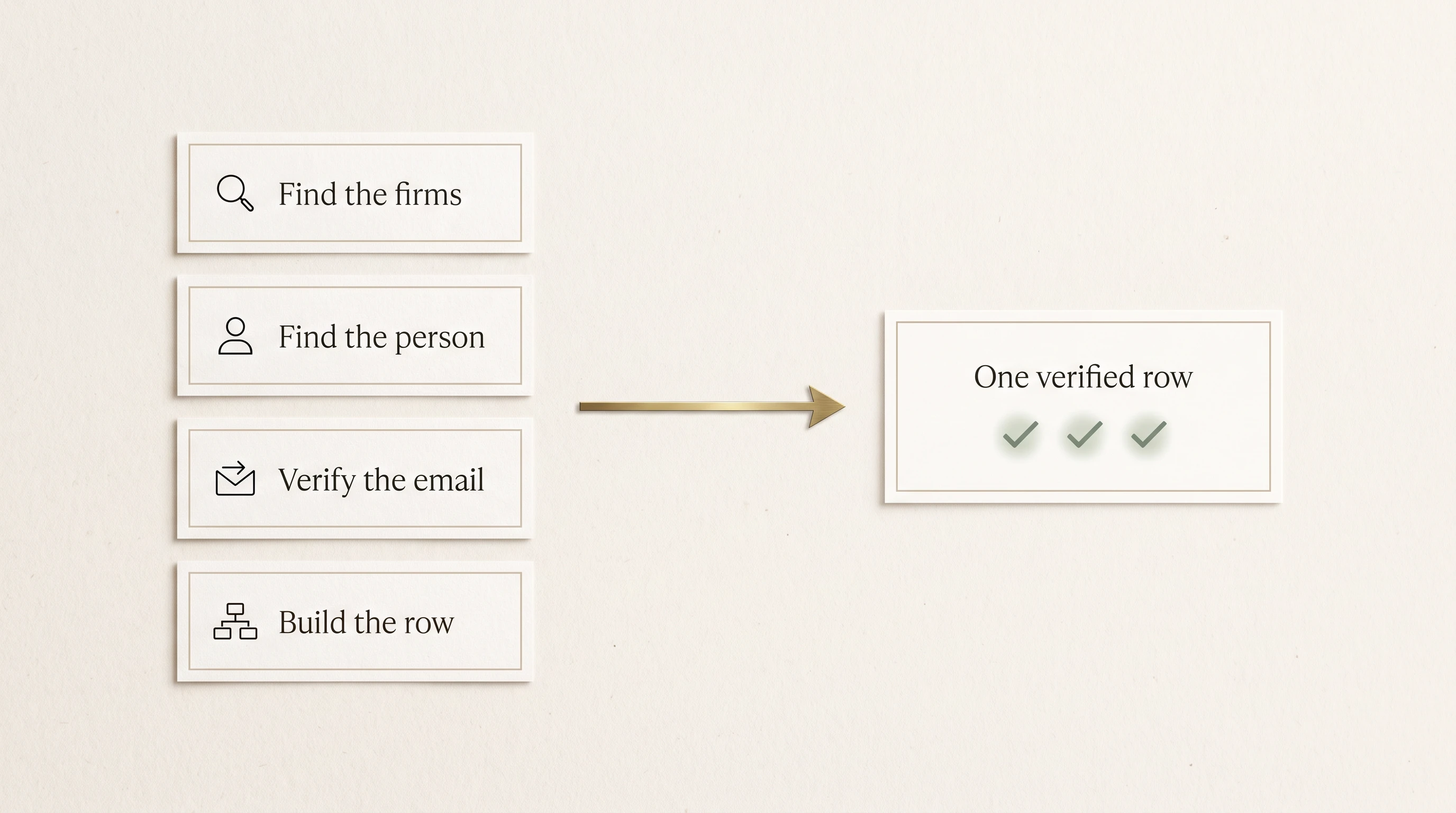
The fundraising research team is four jobs. Nobody hires four people for it, so one person does all four, badly, at 11pm, across thirty browser tabs.
- Find the firms. Days of cross-referencing, and 300 names where 260 would never write your check.
- Find the person. The firm is not the contact. Pitch the switchboard, or a partner who left last year, and the intro is wasted.
- Verify the email. A guessed address bounces. Bounces burn your sending domain, and a burned domain kills the whole campaign.
- Build the row. Name, title, firm, verified email, live LinkedIn, location. Miss one field and it is not outreach-ready.
That is two to three weeks of nights, and it decays while you work: people move, emails die, mandates shift.
Step 1 , define your investor ICP before you search anything
Your investor ICP is the profile of the investor most likely to actually fund you. Four questions define it:
- What kind of capital? Venture equity, an LP commitment into your fund, or real estate capital. This decides your search mode.
- At what stage and size? Pre-seed angels and growth funds do not overlap. A $250M fund will not lead your $500K round.
- Investing in what? Your sector, and the specific thesis inside it.
- Based where? Not just a region. Which countries and cities.
If you cannot answer these in one sentence, do not run a search yet , you will spend credits confirming you do not know. The next two sections are the two ways to answer them.
Pick the mode that matches the capital you want
Mode is the first choice on the search form, and it changes which filters exist, so set it before anything else.
- VC , venture investors for a startup round.
- Real Estate , real estate private equity, developers and operators, REITs, real estate debt.
- LP / Allocators , family offices, funds of funds, sovereign wealth, corporate LPs and UHNW individuals, for when you are the one raising a fund.
- RIA , registered investment advisers and wealth managers.
Step 2 , do not know your ICP? Hand over your deck
This is the part most people skip. If you cannot describe your ideal investor yet, do not guess at filters. Let the agent read your company first.
In the agent chat there are two context inputs:
- Upload your deck or docs. PDF or text, one or several at once. It reads them to match the right investors.
- Add your website. Paste your link and it scans the site to learn what you do.
Both are free , loading context does not spend credits. Once it has read them you will see a "Context loaded" marker, and from then on the agent can propose the investor profile for you instead of asking you to invent one. It also remembers, so a new chat next week still knows your company, and it learns from how your earlier searches performed.
Then just describe the raise in plain words, for example "we are raising a $2M seed for a B2B AI company in Berlin", and let it draft the search.
Or work backwards from companies like yours
The other way to discover an ICP you cannot yet articulate: start from companies that already raised what you are raising. Lookalike investors maps comparable companies, then finds the investors who backed them at your stage and checks each is still writing checks.
This is the cheapest way to learn your real ICP, because the comparable map is free , you only spend credits on the investor firms you approve, and you see the list before approving anything.
Find investors who backed companies like yours
Step 3 , set the filters so the search actually returns people
This is where most credits get wasted. A few rules that matter.
Basic or Advanced
VC and Real Estate have two tiers. LP and RIA are Basic only.
- Basic is region, country, investor type and one optional keyword. Use it when your thesis is broad and you just want partners at investors who match it.
- Advanced adds fund focus, deal stage, sectors, fund size, vintage, and where the fund actually invests. Use it when your ask is precise, for example early-stage SaaS investors in New York raising a $250M+ fund in 2024.
One practical constraint: Advanced needs at least 10 investors per run. That is deliberate , Advanced filters hard, then verifies every firm and role, so tiny runs deliver unreliably. It also means you cannot do a 2-lead Advanced test.
Test small, in Basic, before you commit a quota
Run 1 to 5 investors in Basic first, just to see whether your filters return the kind of people you expected. Read those few rows carefully. If the titles and firms look right, widen the count or switch to Advanced. This one habit saves more credits than anything else in this guide.
Geography: region is the bucket, cities are the precision
Region is a broad continental bucket. The countries and cities field is where the accuracy comes from: type a country, city or US state and press Enter to add it as a tag, and add as many as you want. Common abbreviations work too. "Europe" plus Berlin, Munich and Zurich is a far better search than "Europe" alone.
Two investor types, not ten
The investor type picker caps at two categories on purpose. Picking everything does not widen your results, it blurs them. Choose the two that genuinely fund companies like yours.
Wide or deep, decide on purpose
The investors-per-firm setting decides the shape of your list. Lower means wider coverage, so more distinct firms. Higher means deeper coverage, so more contacts at each firm. For a first outreach wave, wide usually beats deep: more firms, one or two right people at each.
Step 4 , check the preview, then run it
Nothing spends until you confirm. You see what the search is about to do and what it will cost before it runs, and the run only starts when you say go.
Then one search does all four jobs: it finds the firms, finds the right decision-maker at each, verifies the email, and builds the full row.
It never hands you a guessed email. If it cannot confirm an address it escalates to a better source, and if it still cannot find one it gives you the contact without inventing a fake. A final pass drops anyone whose title is clearly not an investor role, so a family-office receptionist never lands in your list.
Choose how much depth you need
Delivery tier decides what comes back with each contact:
- Tier 1 , the verified contact itself, at 1 credit per contact.
- Tier 1.5 , adds AI investor research.
- Tier 2 , adds investor and firm research, so you get the thesis and an angle to open with.
Use Tier 1 when you are building volume and writing your own angle. Use the research tiers when the first message has to land on its own, for a short list of firms you really want.
Step 5 , stop paying for the same person twice
Exclusions are what keep a repeated search from re-delivering people you already have. There are two kinds:
- People , upload a contact list (your CRM export, anyone you have already emailed) and those contacts get skipped.
- Firms , block firms by name, for example your existing investors or anyone you never want to see.
Your active lists apply automatically to every search, in every mode, and you will see a note before the run telling you which ones are being applied. Each list has its own Active and Paused switch on the Exclusions page, so pause one if you deliberately want those people back in scope.
Step 6 , make it repeat while you sleep
A raise is not one search. Put a search, lookalike or enrichment on a schedule: daily, a chosen weekday, or a day of the month, at an hour you pick. Keep "fresh leads only" on so every run returns investors it has not delivered before, and it remembers everyone it already contacted.
Delivered investors can push straight into your outreach sequences on LinkedIn and email, with no CSV round-trip.
Already have a list of firms?
If you already know the firms , your pipeline, a competitor's backers, a list someone sent you , skip the finding step entirely. Paste the firm names and it finds the right decision-maker contacts at each one.
One tip: pick the contact channels you actually need (LinkedIn, email, phone). Only contacts with at least one of your chosen channels are delivered, so you never pay for a row you cannot use.
Enrich a list you already have
What you end up with: an investor email list you can send to
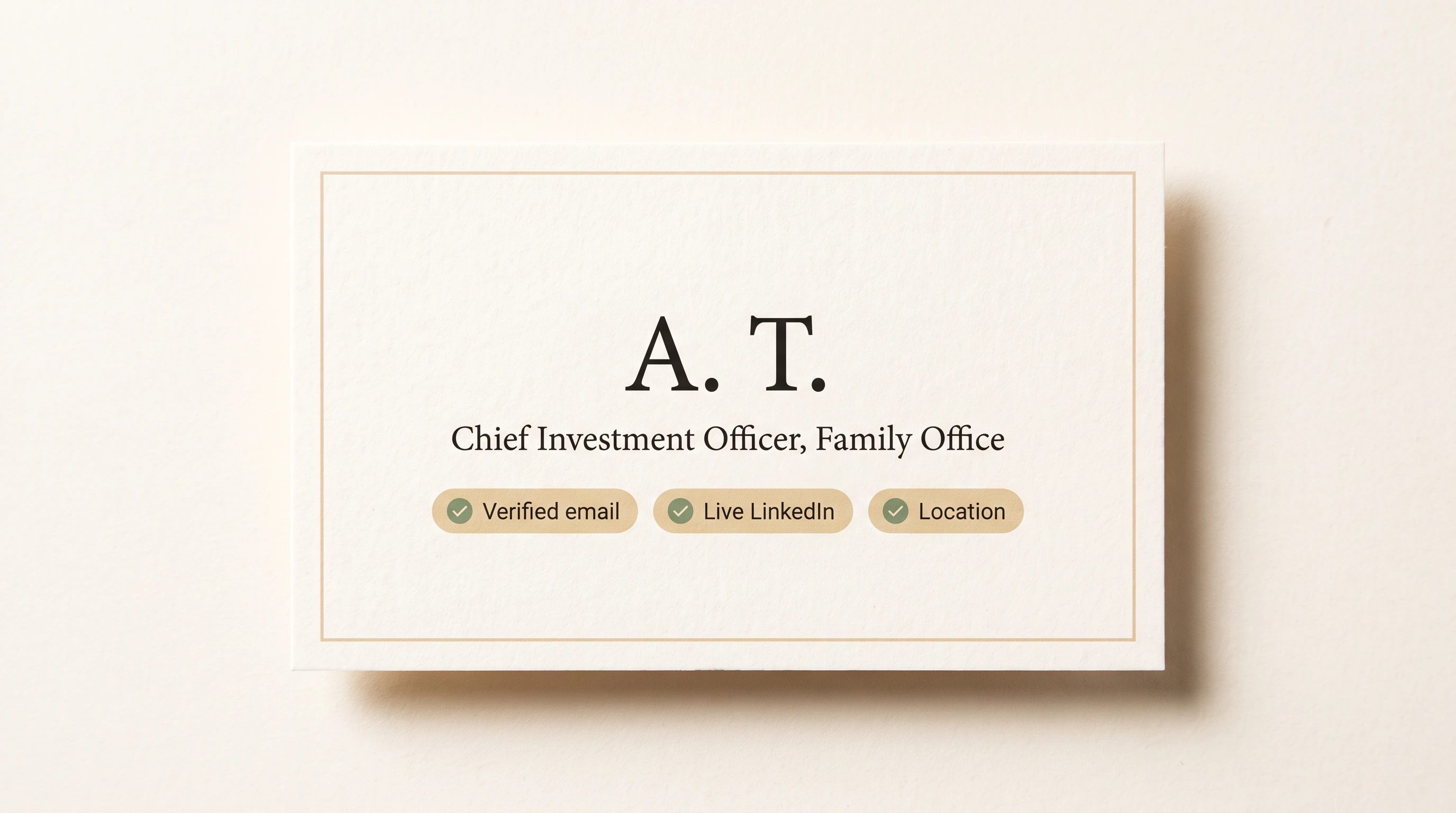
A row that is genuinely outreach-ready: name, title, firm, verified email, live LinkedIn, location. Every field filled, none guessed.
The short version of everything above: decide who you want before you search, let the agent read your deck if you are not sure, test small in Basic, name cities rather than continents, exclude what you already have, then put the winner on a schedule.
Save to your library.
Keep this guide in your 8raise Resources library, next to the investor lists you claim.
Already have an account? Log in and it goes to your library.
Related resources.
- GuideInvestor List: 25 Free Lists of Investors by Type and Region
- GuideHow to Start a Private Equity Firm: Strategy, Track Record, Terms and Your First LPs
- Investor list67 Venture Capital Funds of Funds: 201 Contacts at the LPs That Back VC Managers
- Investor list100 Investors in the Gulf Capital Ecosystem
- Investor list100 Swiss and Liechtenstein Family Office Investors
- Investor list100 VC Partners and Investors in Japan and Korea